
Create Offerings
7 minIf you want to introduce Paywalls in your app, the first step is to create Offerings. An Offering represents a set of products that are presented to users on your paywall.
Creating an Offering
To create a new Offering, navigate to Product Catalog → Offerings in your RevenueCat dashboard, then click the + New button.
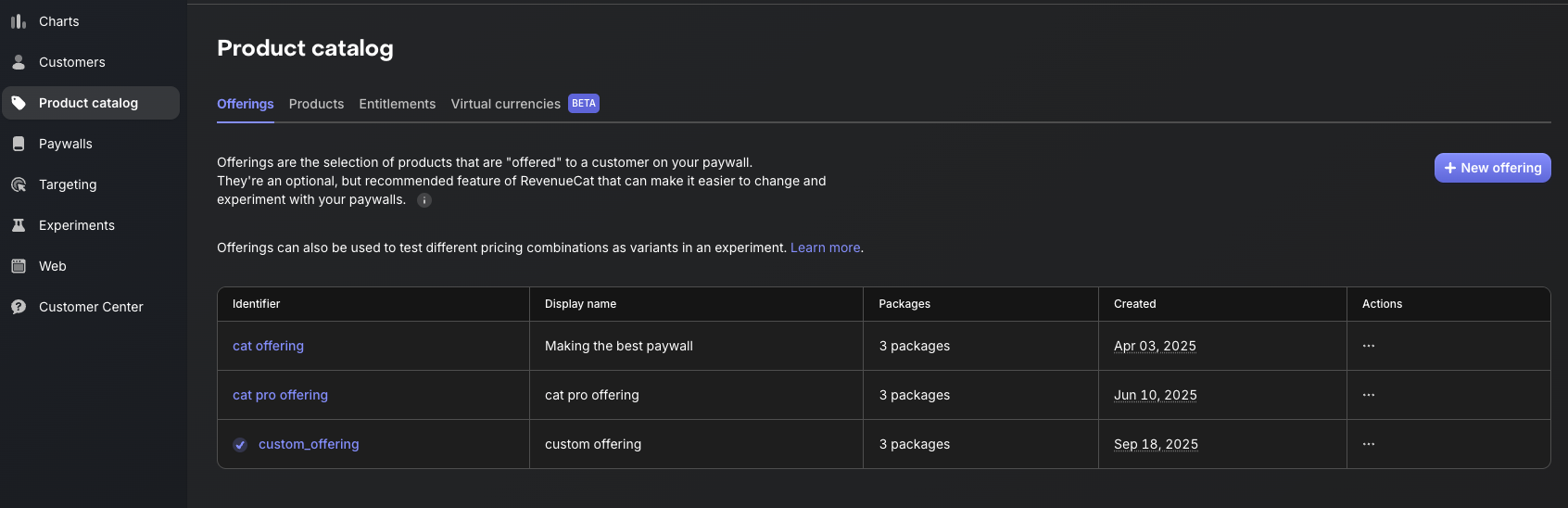
You'll be prompted to fill in the following fields:
- Identifier:A unique key used to reference this offering in your code (e.g.,
default). This cannot be changed later, so choose a meaningful name. - Display Name:A human-readable name for this offering that helps you identify it in the dashboard (e.g., "Default Offering").
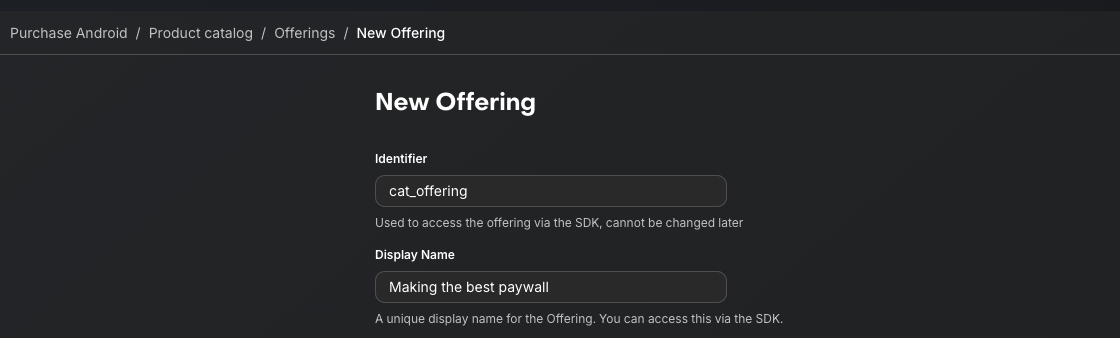
Once you've filled in the details, click Create to save the new Offering. Your newly created Offering will now appear in the Offerings list.
Note that RevenueCat automatically creates a "Default" Offering for your project. You can use this default offering or create additional ones to support different paywall configurations, A/B tests, or regional pricing strategies.
Adding Packages
A Package serves as a wrapper for equivalent products across different platforms. This provides a single source of truth for your products.
To create a package, navigate to your newly created Offering, then click the Edit button to configure the details, and then you can add packages by clicking the + New Package in the Packages section.
From there:
- Choose an Identifier from the dropdown that best represents the package duration (e.g., monthly, annual).
- Add a description to help clarify the purpose of the package.
- Attach the relevant products that match the chosen duration (e.g., your annual iOS product).
- Click Save to create the package.
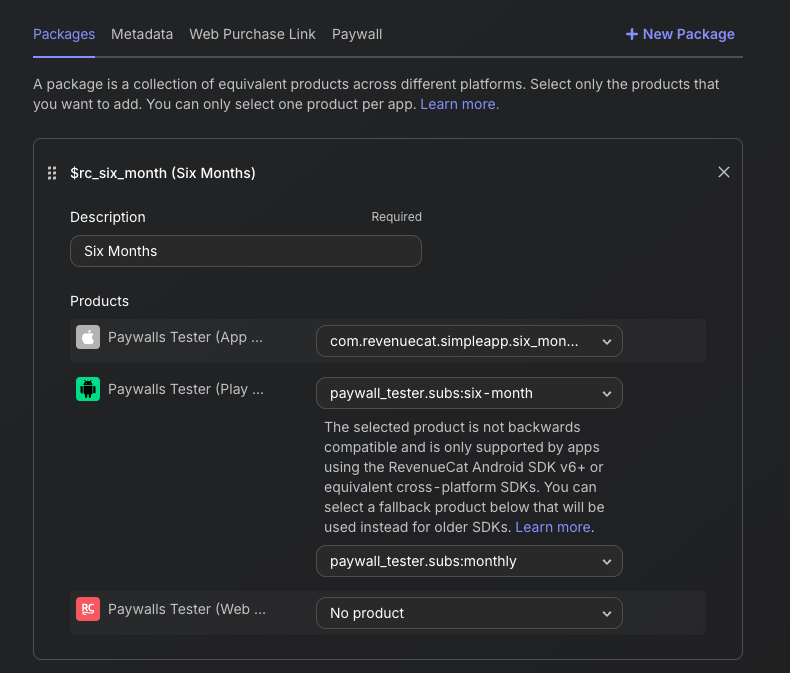
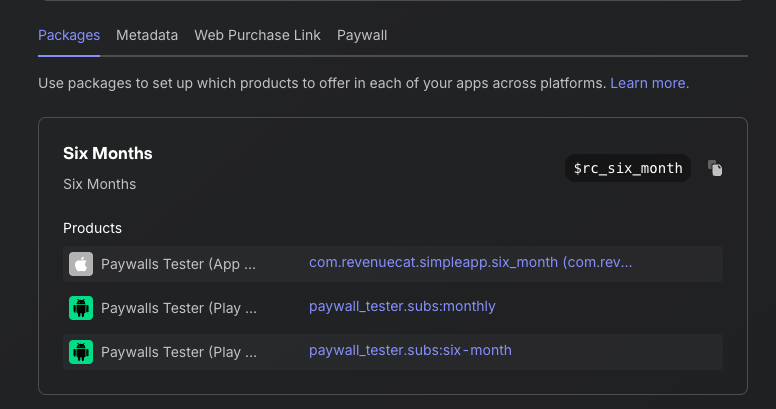
Once you've added all the Packages to your Offering, you'll see the results displayed as shown below:
Alright, time to create some awesome Paywalls!